
IBM AI Appliance
Enterprise AI in one rack, on your own floor
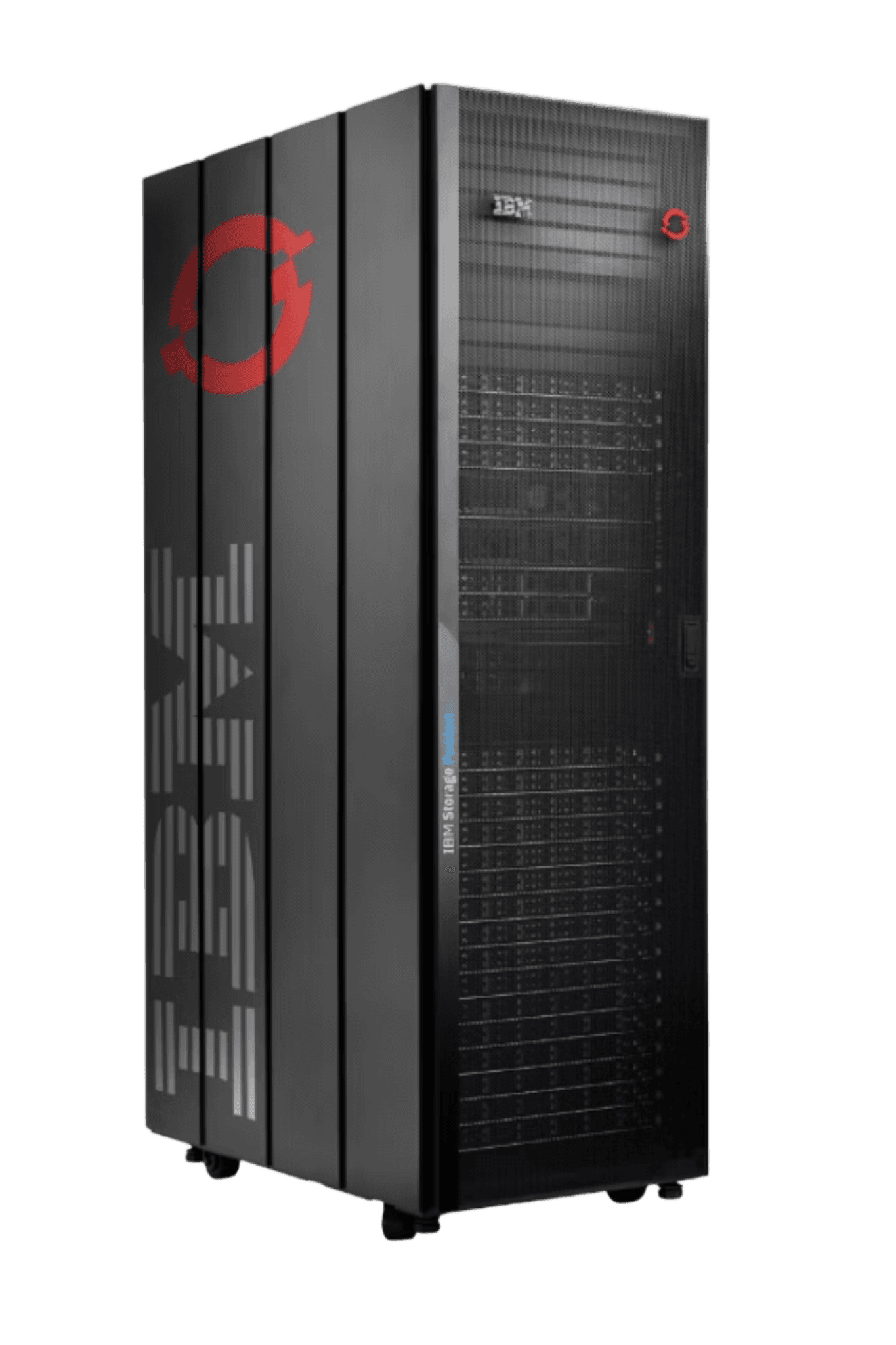
IBM Fusion HCI with the IBM Storage Scale System 6000: GPU compute, high performance storage, Red Hat OpenShift and the AI services that run on top. Built and tested in the IBM factory, delivered and supported by Li9, and serving models the day the rack is powered up.
Configurations
One design, three sizes, growing in place
Every level shares the same control and worker nodes, the same switches and the same storage policy. What changes is how many GPUs are in the rack and how much flash sits behind them.
Entry Level A first production AI platform, with room to grow in place | Mid-Level A third GPU node, more flash, and a capacity tier for the lakehouse | Maximum Every slot filled, with both storage tiers at full width | |
|---|---|---|---|
| NVIDIA H200 NVL GPUs | 8 | 12 | 32 |
| GPU nodes | 2 nodes, 4 GPUs each | 3 nodes, 4 GPUs each | 4 nodes, 8 GPUs each |
| GPU memory | 1.1 TB | 1.7 TB | 4.5 TB |
| Performance tier (flash) | 147 TB usable | 590 TB usable | 1.18 PB usable |
| Capacity tier | Optional | 1.18 PB usable | 2.56 PB usable |
| Delivered read | approx 86 GB/s | approx 130 GB/s | approx 170 GB/s |
| Control and worker nodes | 3 and 3 | 3 and 3 | 3 and 3 |
Entry Level
A first production AI platform, with room to grow in place
- NVIDIA H200 NVL GPUs
- 8
- GPU nodes
- 2 nodes, 4 GPUs each
- GPU memory
- 1.1 TB
- Performance tier (flash)
- 147 TB usable
- Capacity tier
- Optional
- Delivered read
- approx 86 GB/s
- Control and worker nodes
- 3 and 3
Mid-Level
A third GPU node, more flash, and a capacity tier for the lakehouse
- NVIDIA H200 NVL GPUs
- 12
- GPU nodes
- 3 nodes, 4 GPUs each
- GPU memory
- 1.7 TB
- Performance tier (flash)
- 590 TB usable
- Capacity tier
- 1.18 PB usable
- Delivered read
- approx 130 GB/s
- Control and worker nodes
- 3 and 3
Maximum
Every slot filled, with both storage tiers at full width
- NVIDIA H200 NVL GPUs
- 32
- GPU nodes
- 4 nodes, 8 GPUs each
- GPU memory
- 4.5 TB
- Performance tier (flash)
- 1.18 PB usable
- Capacity tier
- 2.56 PB usable
- Delivered read
- approx 170 GB/s
- Control and worker nodes
- 3 and 3
- Models up to 564 GB on four GPUs bridged by NVLink
- One Storage Scale namespace, with policy moving warm data to the capacity tier
- Growth past the maximum is a second rack of the same design
The hardware in the rack

GPU nodes
128 cores (2 x AMD EPYC 9555), 1152 GB memory, up to 8 NVIDIA H200 NVL GPUs

Control and worker nodes
64 cores (2 x Intel Xeon Gold 6438), 1 TB memory and NVMe storage, each

High speed switches
32 ports of 200GbE each, lossless RoCEv2, paired for redundancy

Management switches
48 ports of 1GbE each, for server and switch management
What runs on it
The AI services arrive with the platform
Each of these is deployed from the Fusion catalogue onto the same GPUs, the same storage and the same security model, rather than assembled from parts after the hardware lands.
Models as a Service
A governed, shared inference service. Teams get an OpenAI compatible endpoint and a self-service API key rather than a GPU of their own, and the platform keeps track of who is using what.
Developer Hub
One front door for AI, container and virtual machine projects, with the approved models, data services and project templates already in it.
Content-Aware Storage
Your documents made searchable in place. Results carry each user's own file permissions, so retrieval cannot hand someone a passage they could not open themselves.
Data lakehouse
watsonx.data deployed from a service tile, with zero copy access to the data already sitting on the array. The capacity tier is the lakehouse data set.
NVIDIA AI Blueprints
Retrieval, agents, and video search and summarisation, deployed from the catalogue onto the same GPU pool rather than bought and integrated one at a time.
Why the storage decides it
A GPU that waits on disk is a GPU you paid for twice
As a model reads a long conversation it builds up working state. Hold that state on flash and the next question picks up where the last one left off. Throw it away and the GPU rebuilds it from the beginning, every time.
The array is sized so that model loads, document retrieval and that saved state never become the bottleneck, which is also why the appliance clears the NVIDIA Enterprise Reference Architecture storage guideline several times over.
Returning to a long conversation, per session
About 40 GB of saved state for a long context request, read back at the speed of the array instead of recomputed on the accelerator.
the NVIDIA Enterprise Reference Architecture storage guideline, at 32 GPUs
operations a second for retrieval, IBM published for the array
Before it ships
Built, integrated and tested in the IBM factory
The rack is assembled and pre-configured to best practice or to your stated requirements, then tested across five layers and documented for your specific build. The same tests run again on site after installation, so what was proved in the factory is proved again on your floor.
- 1
Network
What the integrated 200GbE path delivers, in aggregate and per port
- 2
Storage
Array delivery behind the network, measured against IBM's published figures
- 3
GPU data path
Storage read straight into GPU memory, with no copy through the host
- 4
AI service
A timed model load and a timed restore of saved conversation state, per node
- 5
Platform
The cluster, the operators and the services, as handed over
Working with Li9
What Li9 delivers around the appliance
Li9 architects the appliance with you, works it through IBM, and stays with it once it is on the floor.
Written requirements
Models, users, data sources, integrations, security and site constraints, captured and agreed before anything is sized.
Validated configuration and architecture
GPUs, storage and nodes sized against those requirements, with the path from pilot to production written down.
Factory integration and test
Built and pre-configured in the IBM factory, then tested across five layers and documented for your specific build.
Installation and handover
Racked, connected and re-tested on site with the same tests that ran in the factory, handed over with the results.
Day 2 support
IBM supports the whole appliance, with one number to call for any part of it. Li9 stays on for the architecture, the upgrades and the next use case.
Questions
What customers ask first
IBM Fusion HCI with NVIDIA H200 NVL GPU nodes and an IBM Storage Scale System 6000, integrated in one 42U rack and running Red Hat OpenShift. It arrives built, configured and tested, and it runs AI workloads beside ordinary containers and virtual machines.
Bring enterprise AI onto your own floor
Tell us the models, the users and the data you want to put to work. Li9 will size the IBM AI Appliance against them and walk you through the architecture first.